1. Search
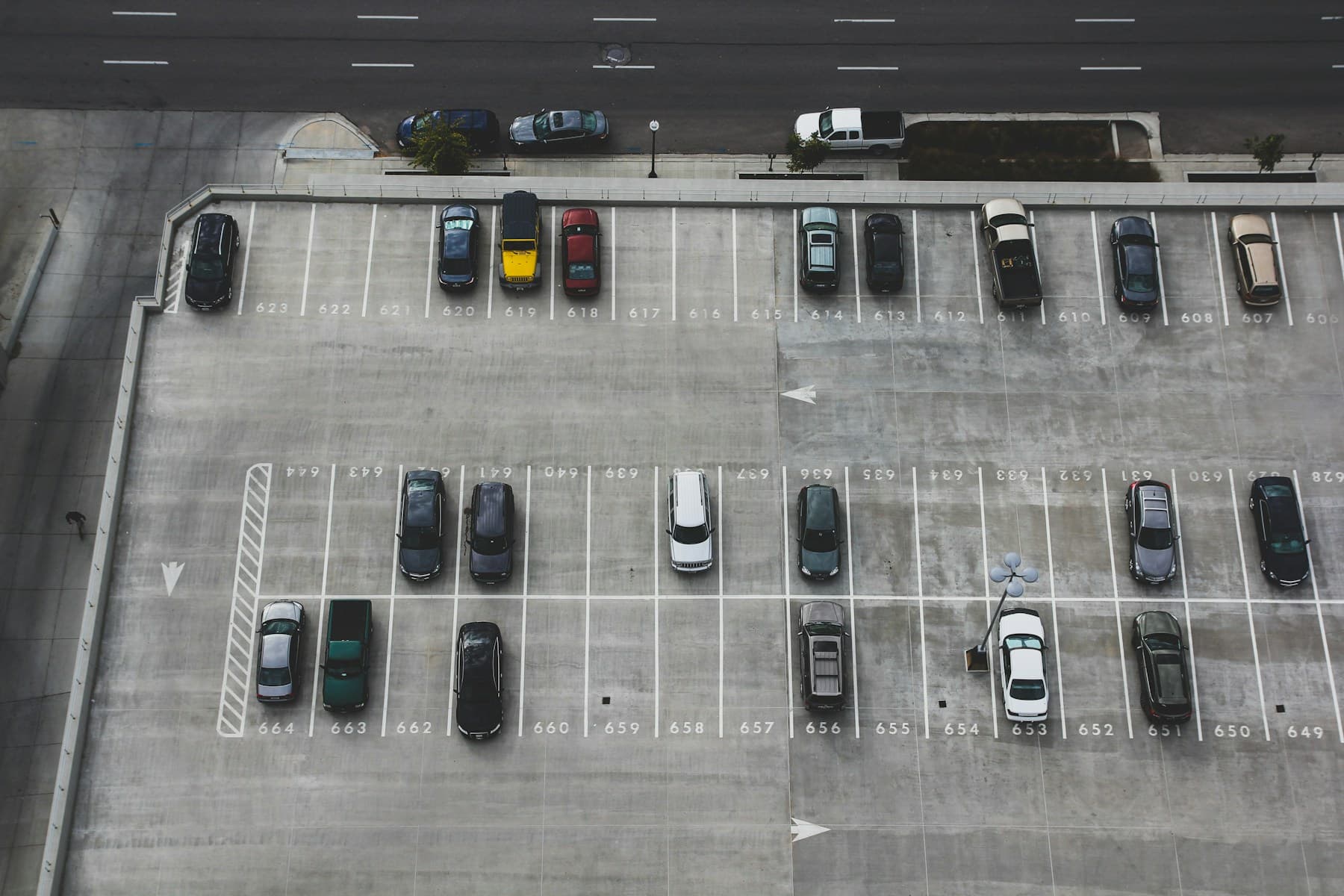
Find monthly parking near your home, office or favourite places.
Monthly parking
Your dedicated parking space, every day. Save time, save money and enjoy peace of mind with Parkafella monthly parking.
Find monthly parkingCost effectiveOne monthly rate instead of hourly charges
Guaranteed spaceA dedicated slot reserved for you
Hassle-freeAuto-renew and skip the daily search
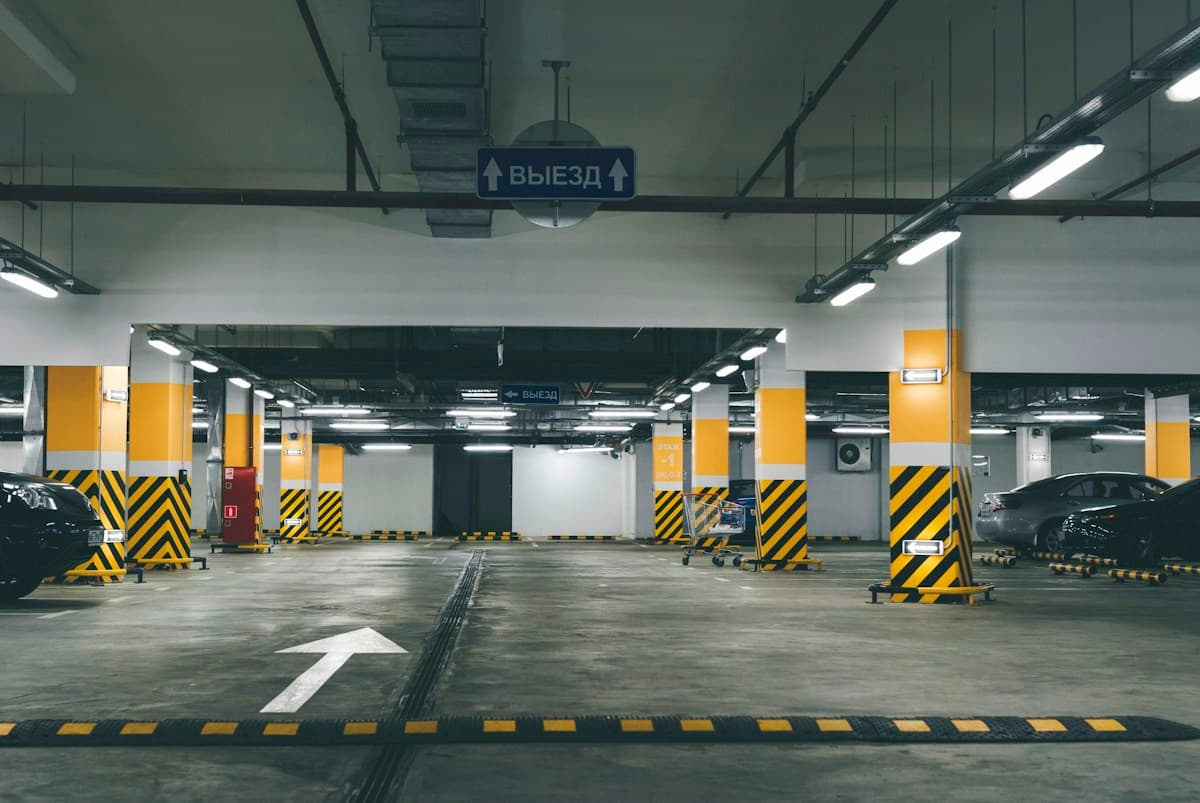

Monthly parkingA smarter every day.
Get your dedicated parking space in a few simple steps.
Find monthly parking near your home, office or favourite places.
Compare locations, prices and facilities to pick the best fit.
Complete your booking with a secure payment.
Your slot is reserved. Park any day of the month.
Save moneyPay one monthly rate instead of hourly charges.
Save timeNo more searching for a spot every day.
More securityReviewed spaces with clear details.
Peace of mindAuto-renew, and cancel whenever you need to.
Available now
Spaces that offer a monthly rate right now.
Search for a space near you, or tell us where you would like monthly parking.
Quick answers
Your own slot at a parking space for whole months, for one monthly price.
Open a space that offers monthly parking, choose Monthly, pick the start date, the number of months and your vehicle, then pay from your wallet or by UPI, card or net banking.
Only spaces whose owner has set a monthly price. Search with the Monthly option to see them and what they cost.
One slot is kept for you for the whole month, so it's there when you arrive. No booking each visit.
At the end of each month the next month is paid from your Parkafella wallet. We remind you 3 days before. Turn it off any time and the pass simply ends on its end date.
You get 3 days to pay the renewal from your account. If it isn't paid, the slot is released.
Before the pass starts, yes: the full amount goes back to your Parkafella wallet. After it starts it runs to its end date; turn off auto-renew so it doesn't continue.
Show your pass (the QR code in Monthly Reservations) at the gate. The slot number and vehicle are on the pass.
The pass is for the vehicle you choose when buying, of a type the space accepts.
In your account under Monthly Reservations: pay, see the slot and dates, show the QR code and switch auto-renew.
Ready when you are
Find a space near home or work and skip the daily search.
Find monthly parking